Scan & Order: QR Code Ordering for Restaurants | Petpooja
Add-ons / Customer Service

Scan and Order
instantly

Turn every table into an ordering point.
Guests scan, order, and pay from their phones. Orders reach your Petpooja POSS instantly.
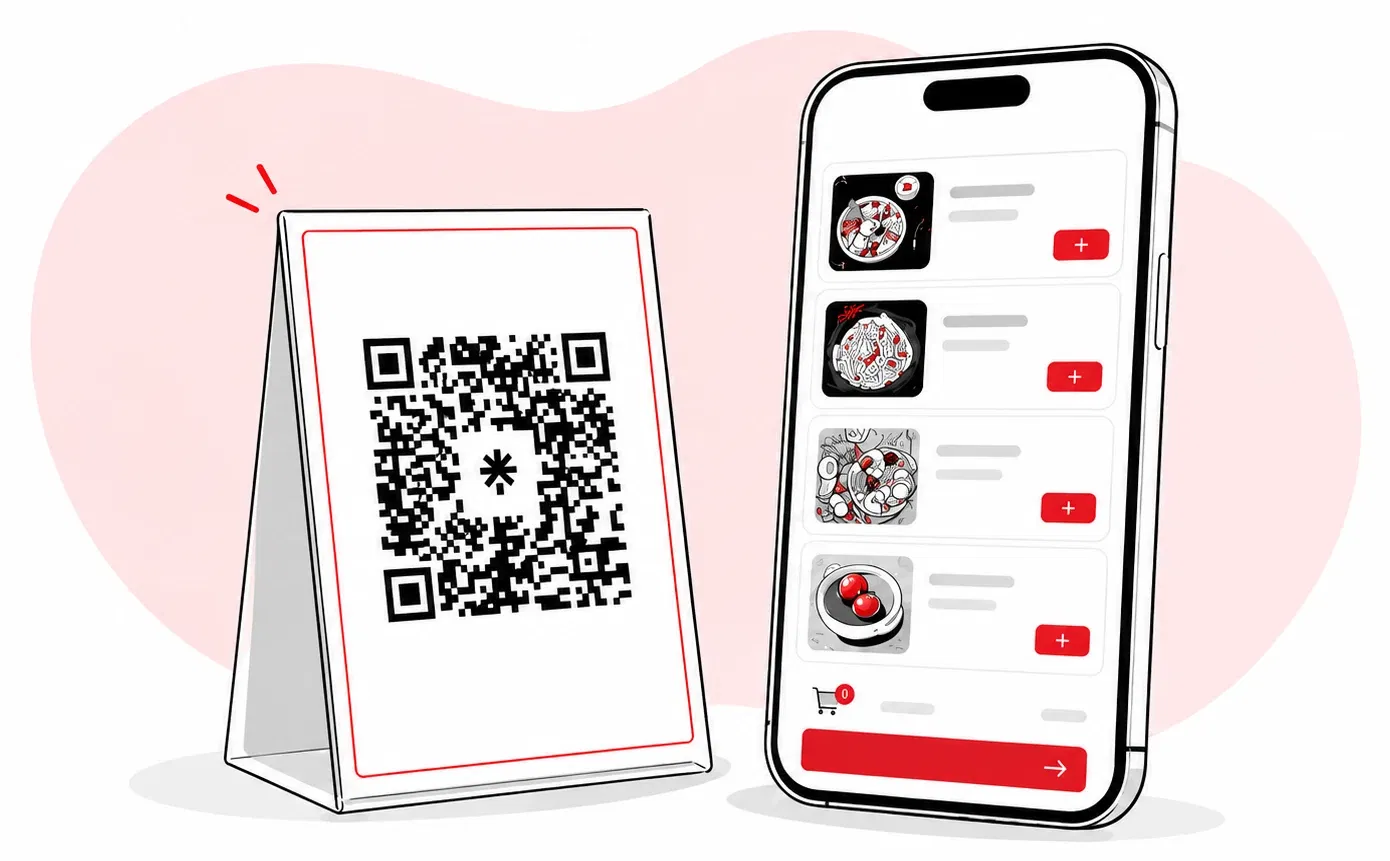
A guest scanning the Petpooja Scan and Order QR code at the table and browsing the menu on their phone
The old way vs the new way

Manual orders slow down your floor

Customers wait, waiters run between tables, and orders still slip through the cracks.

The old way

  • Customers wait several minutes before staff can take their order
  • Waiters keep running between tables, taking orders by hand
  • Orders get repeated, missed, or written wrong
  • Staff time goes into note-taking instead of service

With Scan & Order

  • Customers scan and order the moment they sit down
  • Staff stops running for orders and focuses on service
  • Every item lands in the kitchen accurately, no rewrites
  • Tables turn faster without rushing customers
Step by step

How Scan & Order works

Three simple steps, from the QR on the table to the order in your kitchen.

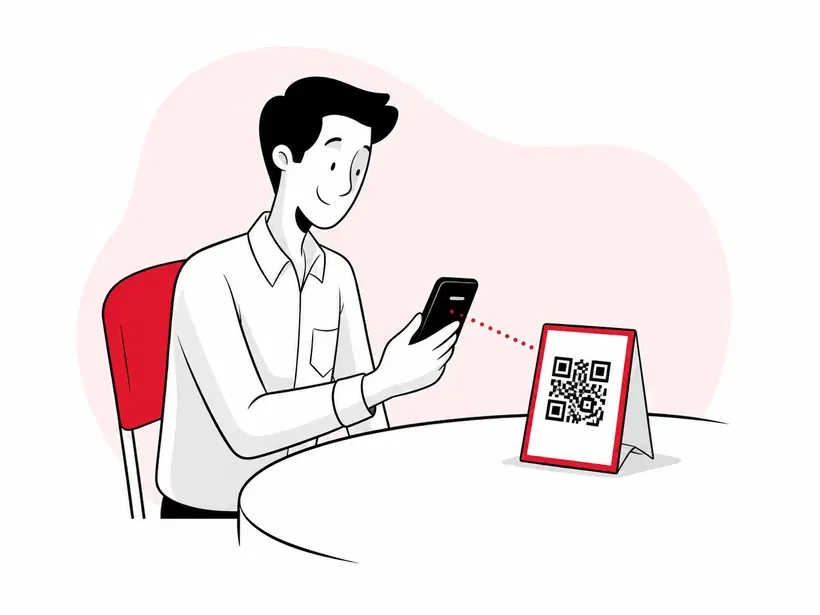
Guest scanning the Scan and Order QR code at the table

Scan the QR

Guests scan the QR code on their table with their phone camera. No app, no download.
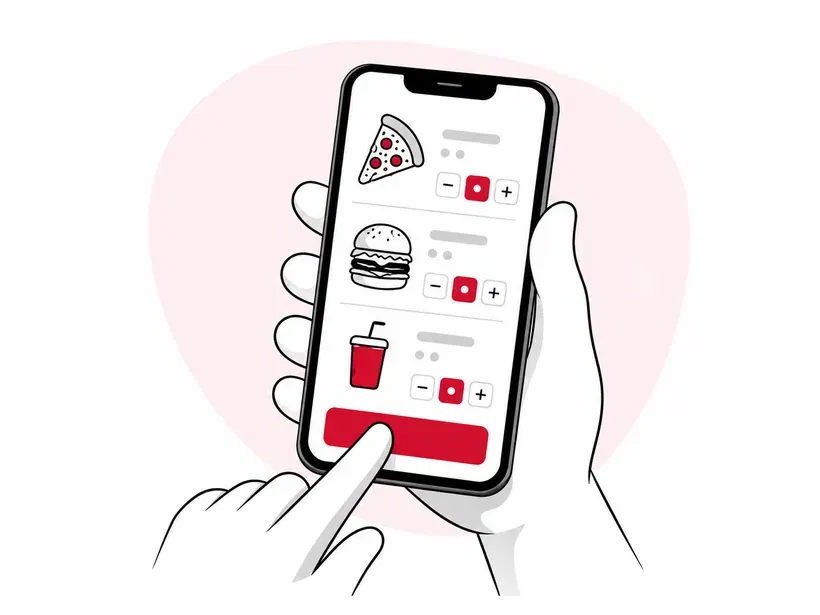
Customer picking items from the menu and placing the order on their phone

Pick & order

The full menu opens instantly. Guests choose what they want and place the order from their phone.
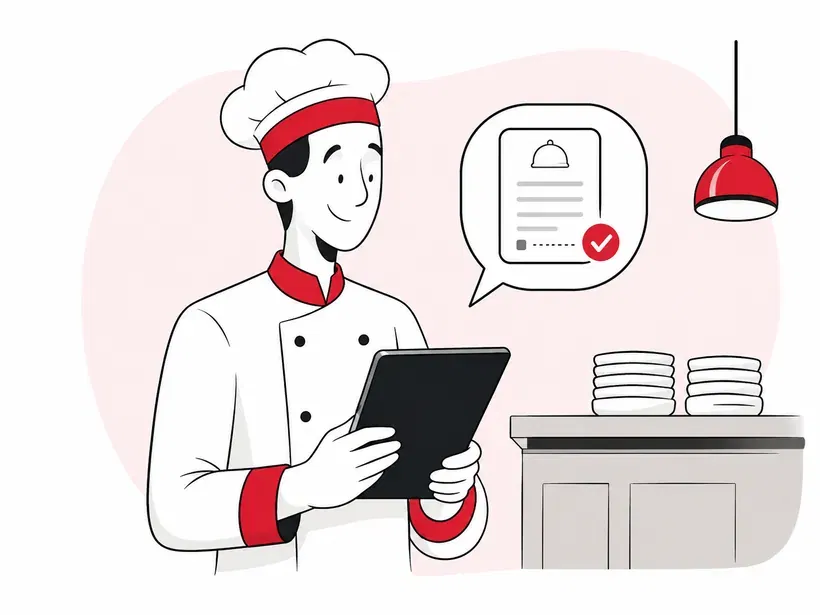
Kitchen receiving the Scan and Order KOT through Petpooja POSS

Order reaches the kitchen

A quick OTP confirms it, and the KOT lands in your kitchen through Petpooja POSS.

Interactive demo

Try Scan & Order yourself

See it the way your guests will. Tap through a real order, right from the table to your kitchen.

  1. 1
    Scan the QROpens the menu instantly. No app, no download.
  2. 2
    Browse & addPick dishes and build the order from the phone.
  3. 3
    Place the orderReview the cart, and it goes straight to your kitchen.
  4. 4
    KOT in the kitchenThe order prints on your Petpooja POS instantly.

Go on, tap through the phone.

TABLE 7 Scan to view menu

You're seated at Table 7. Point your camera at the code on the table to open the menu.

Urban Bites Table 7 · Dine-in
4.5
Recommended
🧀
Paneer Tikka₹220
🍛
Veg Biryani₹180
Snacks
🥪
Grilled Sandwich₹120
🍟
French Fries₹110
🍔
Veg Burger₹140
🫓
Butter Naan₹60
Beverages
🥤
Cold Coffee₹90
Masala Chai₹40
🥫
Coca-Cola₹50
0 items₹0
Your orderTable 7
Total₹0
Pay at counteror pay online

Order confirmed!

Your KOT just printed in the kitchen through Petpooja POS.

KITCHEN · KOT · TABLE 7
    What makes it work

    Built to sync with your POS

    Four features that turn every table into a self-service order point, without the chaos.
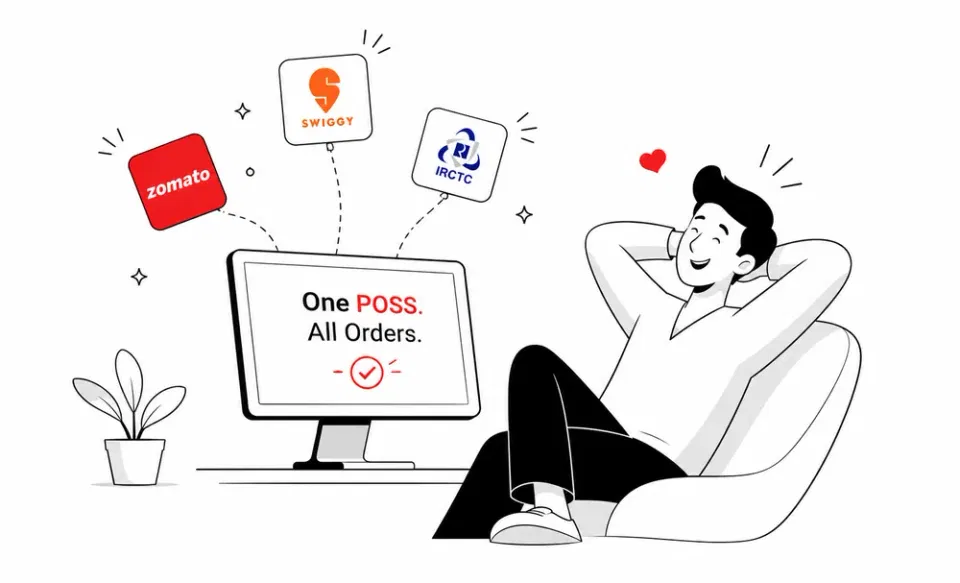
    Every Scan and Order request flowing live into the Petpooja POSS billing screen

    Every order lands in your POS

    No second screen, no manual entry. Orders flow into your billing software the second they're placed.

    • Real-time order sync, no delay
    • Same KOT format you already use

    One tap, order confirmed

    Every order gets a validation OTP before the kitchen fires it. No fake orders, no last-minute confusion.
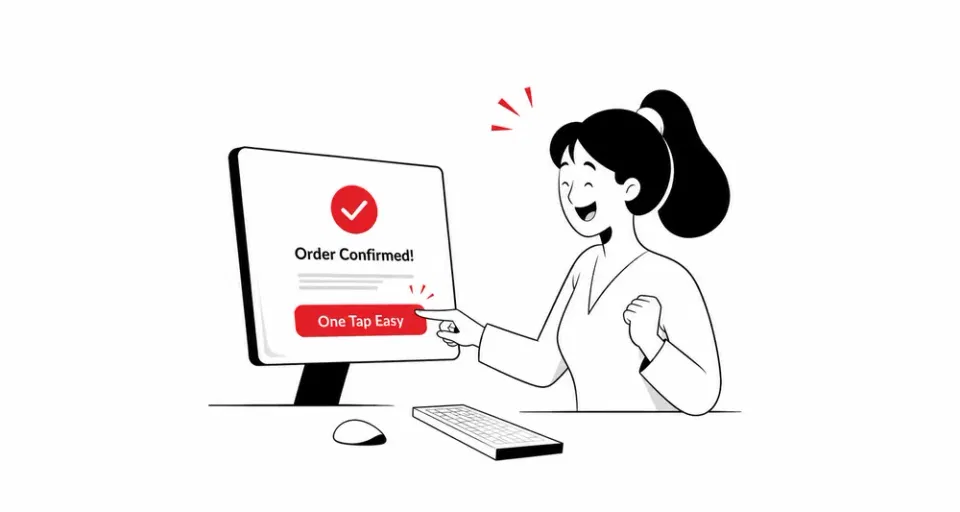
    • OTP sent to the customer's phone
    • KOT only fires after confirmation
    Captain validating a Scan and Order request with an OTP before the KOT fires
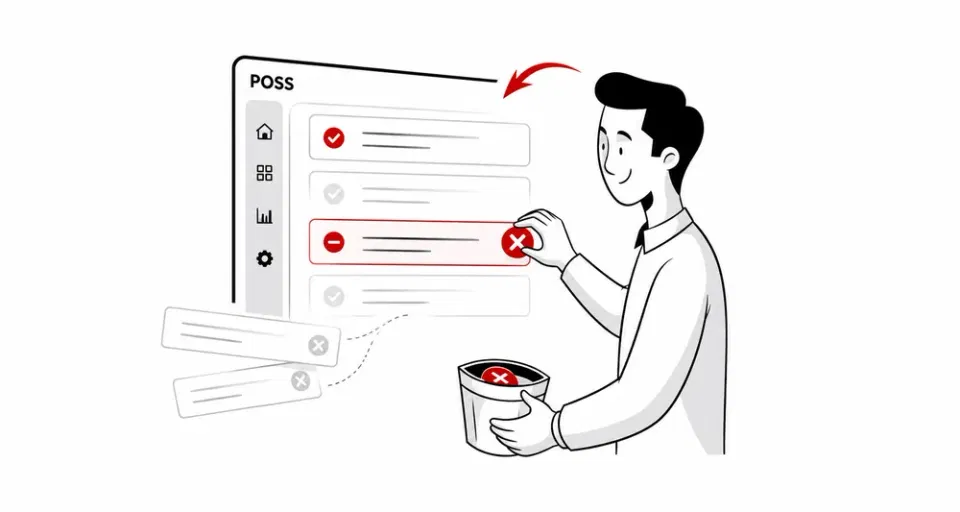
    Toggling a sold-out item off the Scan and Order QR menu in real time

    Hide sold-out items instantly

    Sold out of biryani at 9 PM? Toggle it off. The QR menu updates instantly on every table.

    • Single tap to hide or show items
    • Updates show up across every table's menu

    Multiple orders, one table

    Customers can add to their order anytime during the meal. Every round links back to the same table bill.
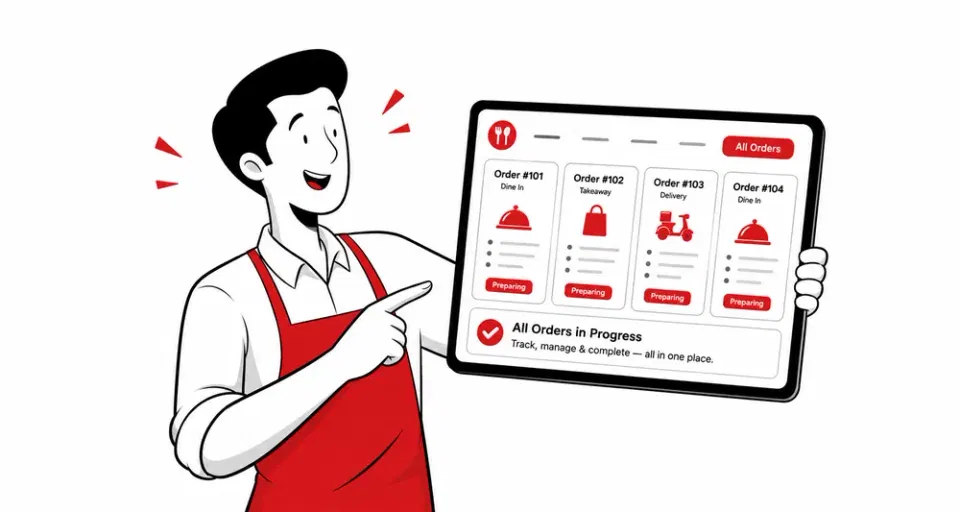
    • Each new order joins the same table bill
    • Different guests can order separately from the same table
    Multiple Scan and Order rounds from the same table linking back to one bill
    Why it matters

    Save time, serve better, skip errors

    A smaller team handles busier shifts, diners feel attended to, and every order lands in the kitchen right.

    01

    Save staff time

    Waiters stop running for orders. The same team serves more tables every shift.

    02

    Smoother diner experience

    Guests order the moment they sit down. No flagging staff, no waiting, no menu hunt.

    03

    Fewer order mistakes

    Customers pick exactly what they want. No mishearing, no rewrites, no missed items.

    Customer story

    A word from our restaurants

    "Our cloud-kitchen Black Chimney is a fan of Petpooja. It has eased our online order management for us. Plus, the inventory management is so smooth. We have stopped the manual tracking for good!"
    Abhishek Harjani, Owner of Black Chimney, Petpooja Scan and Order customer

    Abhishek Harjani

    Owner, Black Chimney

    Black Chimney restaurant brand logo

    Grow Your Restaurant

    Why Are QR Codes Replacing Physical Menus in Restaurants Today, blog feature image

    Why Are QR Codes Replacing Physical Menus in Restaurants Today?

    Discover why restaurants are switching to QR code menus to reduce costs, update menus instantly, and improve customer experience.

    Read more
    New ways of taking customer orders at a restaurant, blog feature image

    New Ways Of Taking Customers Orders At Restaurant

    Explore the modern, contactless ways restaurants take orders today, from QR scan-and-order to self-service, and how they cut wait times.

    Read more
    How to increase the table turnover rate in your restaurant, blog feature image

    How to Increase The Table Turnover Rate In Your Restaurant?

    Practical tactics to turn tables faster without rushing guests, including how self-service QR ordering speeds up every stage of the meal.

    Read more
    FAQs

    Questions restaurant owners ask us

    From where can I generate a QR code for my menu?

    You can generate QR codes from the Menu module of your Petpooja Admin Dashboard. Each table gets a unique code.

    How does a customer place an order through Scan & Order?

    The customer scans the QR code on their table, browses the full menu, and submits their order from their phone. Your captain validates the order with an OTP, and the KOT fires in your kitchen.

    Do my customers need to download an app to use Scan & Order?

    No. The QR code opens your menu directly in their phone browser. No app, no signup, no friction.

    Does Scan & Order work without internet?

    No. Both the customer's phone and your Petpooja POSS need an internet connection to sync orders in real time.

    Can I switch my QR code menu on and off?

    Yes. You can turn QR ordering on or off anytime from your Admin Dashboard. Switch it off during peak hours, switch it on for slow shifts.

    Does Scan & Order work with my existing Petpooja POSS?

    Yes. It connects directly to your Petpooja POSS. No new software, no separate login. QR orders show up in the same place as your dine-in and online orders.

    What happens if a customer adds items in multiple rounds?

    Every new order from the same QR links back to the same table bill. You get one final bill at the end of the meal.

    Can I hide items that are sold out?

    Yes. Toggle any item off from the menu in real time. Your QR menu updates instantly, so customers only see what's available.

    Schedule a free demo

    Get in touch with our team to clarify your queries

    Illustration of customer support agent assisting restaurant owner with calls, messages, and scheduling in restaurant management software