Shop Groceries
At Lowest Prices
An AI-powered tool that saves money on your daily purchases.
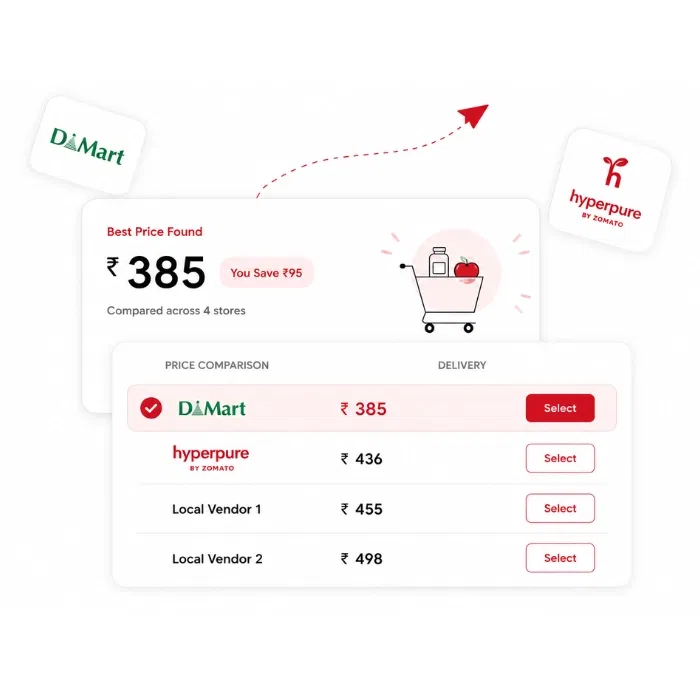
Stop overpaying for raw materials
Compare live prices across HyperPure, DMart, and your local vendors, and order with one tap.

Save Time
Place the order and the stock will get updated automatically.
Save Money
See who is offering the best price on every item. Find the best deals.
Save Effort
Order different items from multiple platforms at the same time, in one go.
You have a new Purchase Manager.
He works for free.
Already inside your Petpooja POSS account.
All vendor prices, one screen
HyperPure, DMart, or your local vendors — compare prices across different vendors.
- Add your local suppliers and upload their rate card
- Live prices and discounts, updated in real time

Let Best Match build your cart
The Purchase Manager automatically finds the lowest-priced option for every item and adds it to your cart.
- Adds the best deals straight to your cart
- Review, adjust, and order in one tap

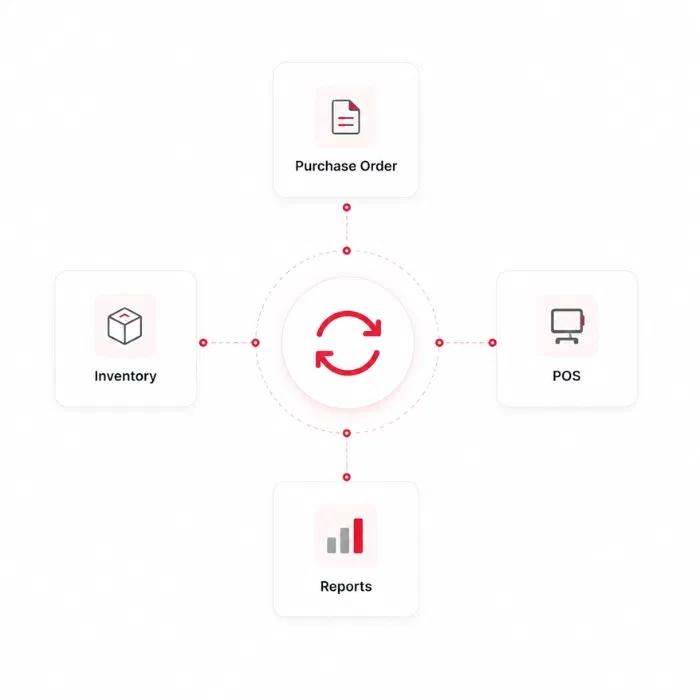
Automatic inventory update
What you buy gets updated in your POSS without any manual entry.
- Purchases flow into your inventory on their own
- No double entry, no missed items
You have a new Purchase Manager.
He works for free.
Already inside your Petpooja POSS account.
From finding to ordering in 3 easy steps
Compare Prices
See live prices across every vendor on the Purchase Manager's screen.
Place the Order
Pick the best deal, add favourites, and place your order.
Stock Updates
Your purchase gets updated in inventory automatically.
Buy from the best, at the best price
Trusted, popular vendors on one screen, with more on the way.

 More coming soon
Grow Your Restaurant

6 Proven Ways to Reduce Restaurant Food Cost
Practical, proven tactics to cut your food cost — from smarter purchasing to tighter inventory control.
Read article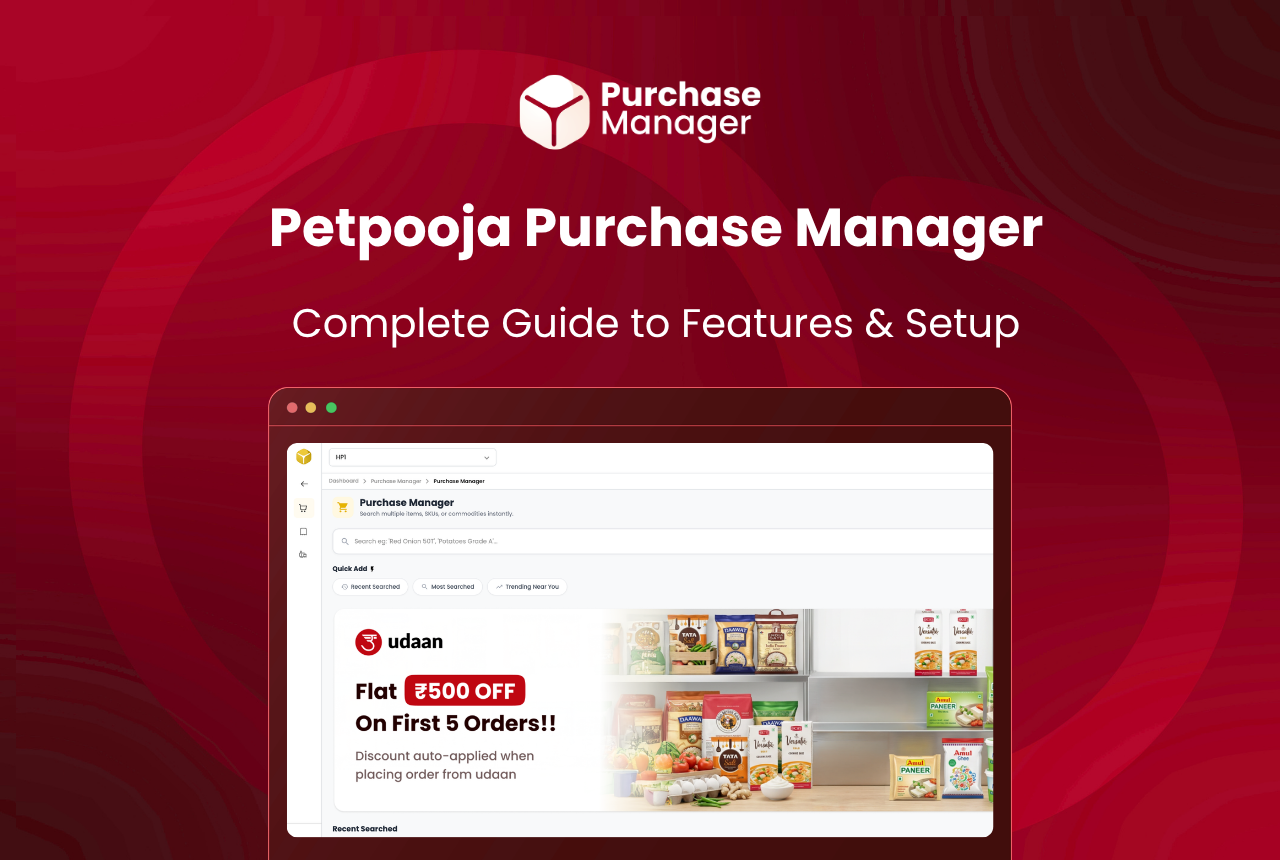
What Is Petpooja Purchase Manager? Features and Setup
A free add-on that pulls live rates from HyperPure, DMart, and your local suppliers onto one screen — order in a tap.
Read article
HyperPure vs DMart vs Local Vendors: Honest Comparison
No channel is cheapest for everything — HyperPure leads on specialty, DMart on staples, local vendors on fresh produce.
Read articleFrequently asked questions
Is the Purchase Manager free?
Which vendors can I compare?
Can I add my own local suppliers?
How does Best Match work?
Do I have to update my inventory by hand?
Book a Free Demo
Book a 10-minute demo to see how Petpooja POSS can work for your restaurant.*
