Your Data Stays Private
Sales, margins, and customer lists sit on your own server, visible only to you.
Offline-first billing that keeps all the data on the owner's server, not in the cloud. Fast, private, and always running, with or without internet.
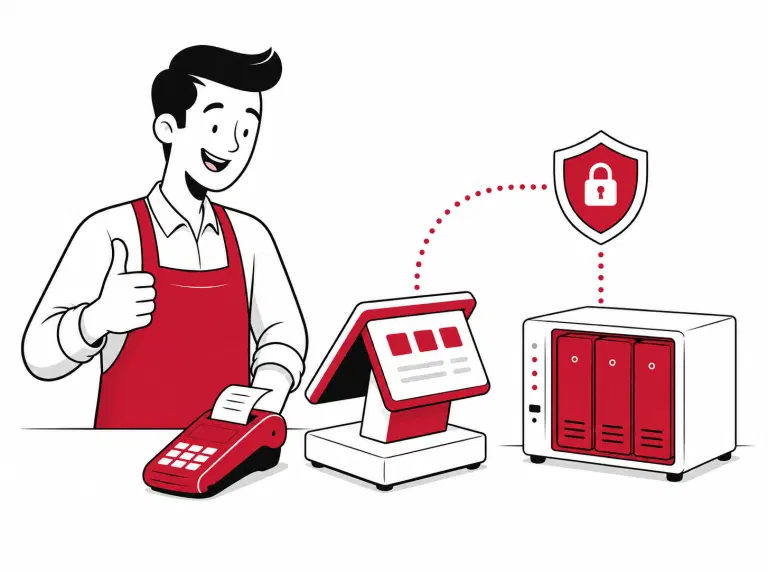
Offline POS is a point-of-sale system that stores your business data on a computer at your own premises rather than in the cloud. Each bill, order, and report is saved locally, on hardware you own and manage. This means your shop can keep billing even without an internet connection, and your sales data never leaves your site.
Not just control — here's what this system actually gives you.
Sales, margins, and customer lists sit on your own server, visible only to you.
Run 1 shop or 50. Every outlet saves to one storage system you own, with one clear view across all of them.
Internet drops at 8 PM on a Saturday? Your counter keeps running. No table gets turned away.
Day-end summaries, item sales, order master, and executive reports, all drawn straight from your records.
Open your dashboard on your phone and see today's sales, even when you're away.
Flip the internet switch to see what keeps working.
You're online — menu and orders sync in real time
Your everyday Petpooja tools all work with Offline POS, right on your own system.
Take orders right at the table on an Android app, with dish suggestions and instant payments.
Let customers scan a QR code and place orders straight from their table.
Show live orders to kitchen staff so they cook and update status without mix-ups.
Show take-away and delivery customers their live order status on a screen outside.
Turn your outlet TVs into live menu boards that update prices and offers on their own.
Let guests order themselves on a touchscreen without walking to the counter.
Manage every table booking from Zomato, District, EazyDiner, calls, and walk-ins in one app.
Take orders directly from your own branded website, with no aggregator or commission.
Notify waiters the moment a guest taps a button on the table, so no request goes unnoticed.
Not sure which add-ons fit your outlet? Talk to our team →
Our team sets it up with you, end to end. No tech knowledge needed on your side.
We install the Bridge Server on your computer and set up Offline POS — this is what stores all your data locally.
You get your own login details. Keep them safe — they unlock your data.
We link your outlet to your account in a few clicks.
That's it. Bill away, with every record staying at your shop.
You need one computer at your shop to hold your data. Here is what fits your number of outlets. We help you pick the right one.
What each setup needs on the computer at your shop.
Outlets
Processor
RAM
Storage
Small
For a single shop or a small group.
Medium
The setup most restaurants run on.
Large
Tailored to your scale.
Small
For a single shop or a small group.
Medium
The setup most restaurants run on.
Large
Tailored to your scale.
We provide customized pricing — fill out the form to connect with our sales team.
Fill in your details and our team will walk you through Offline POS on your own menu, end to end.
We'll only use your details to reach out about Offline POS.
Petpooja POS saves all your data on a computer at your own shop. You stay in control, with no need to depend on the cloud for daily billing.
Yes. Offline POS keeps billing for up to 5 days even if your internet goes down. When you reconnect, everything syncs back automatically.
You do. All your bills, orders, and sales stay on your own system. Petpooja only sends your menu and online orders down to it.
Yes. Offline POS works for multiple outlets, all saving to one system and managed from one place.
You need one computer at your shop to hold your data. Our team helps you pick the right one for your size.
Yes. Your data stays on your own system, and you can set it to back up on its own so nothing is lost.
Offline POS is a fresh setup, not an upgrade. Our team will help you move over and get started.
We provide customized pricing based on your outlet's needs. Just fill out the form on this page and our team will connect with you to discuss the pricing.