Digital Display System for Restaurants | Petpooja
Add-ons / Customer Service

Digital Display System

A simple way to turn every TV into a live menu that shows your food, combos, and offers so guests decide faster and order more.
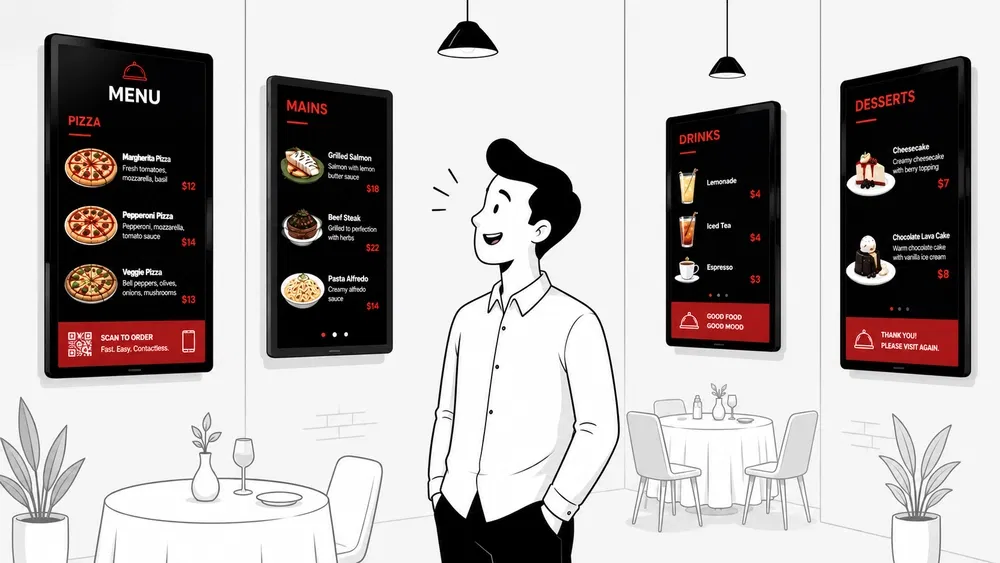
Petpooja Digital Display System showing a restaurant menu with food photos and offers on a TV
The transformation

Why your TV should be selling for you

A guest takes 15 to 20 minutes to decide what to order. A paper menu just sits there. A screen brings your food to life.
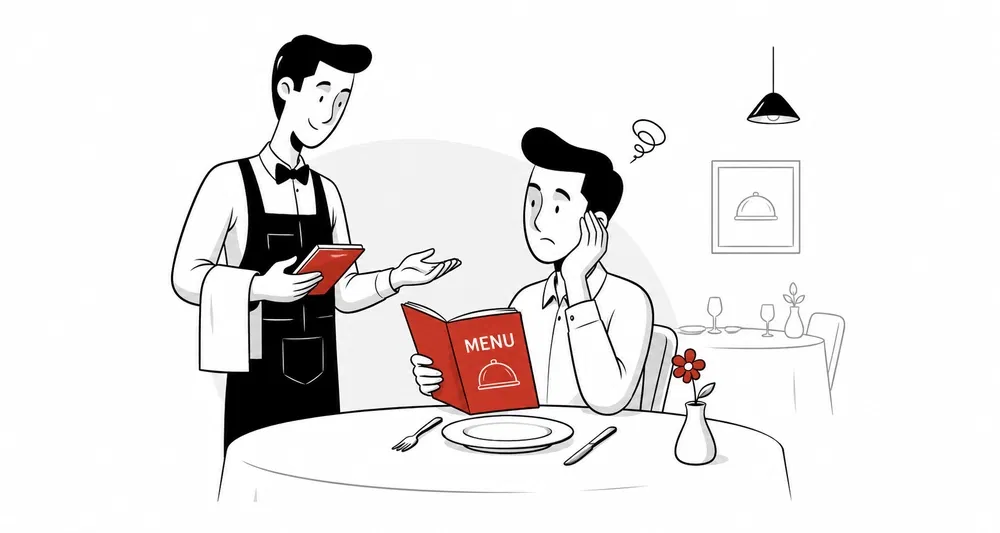
A plain printed paper menu lying on a restaurant table
Paper Menu Paper Menu Petpooja Display With Petpooja Display Drag to compare ↔
Your TV, selling all day

Your menu, always in motion

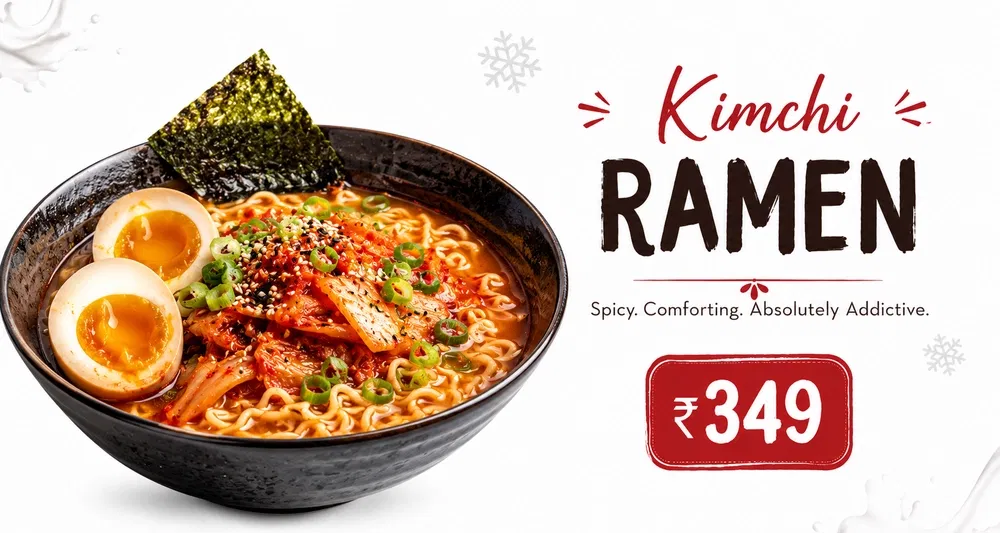
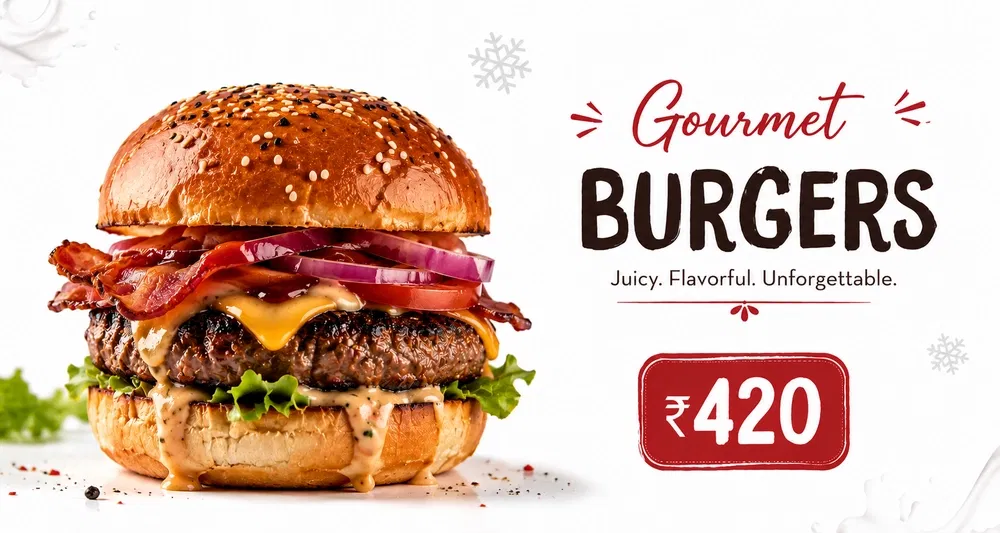
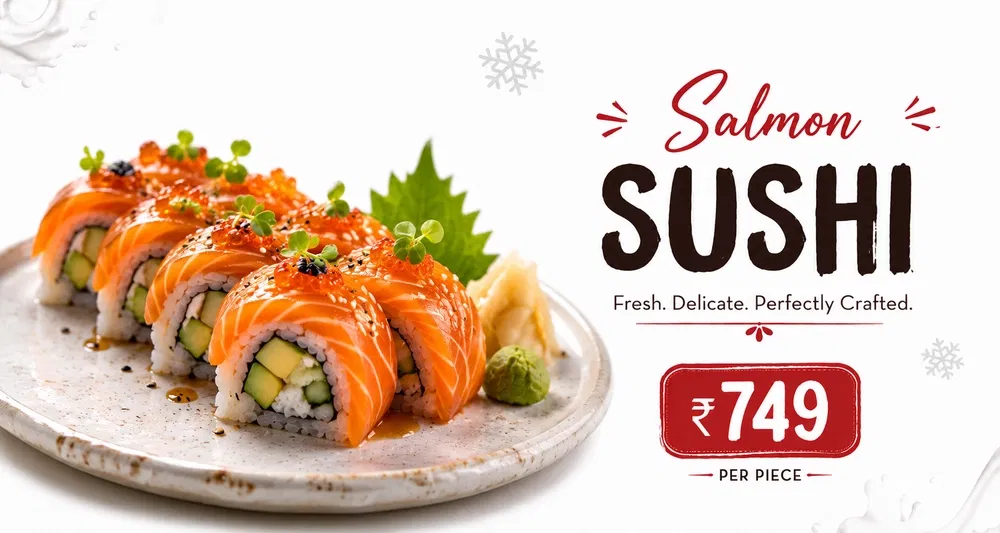
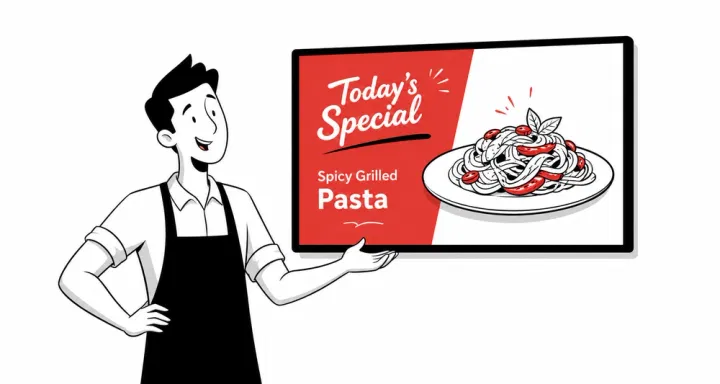
This is what plays on your screens, on loop, all day. No staff effort. No printing.
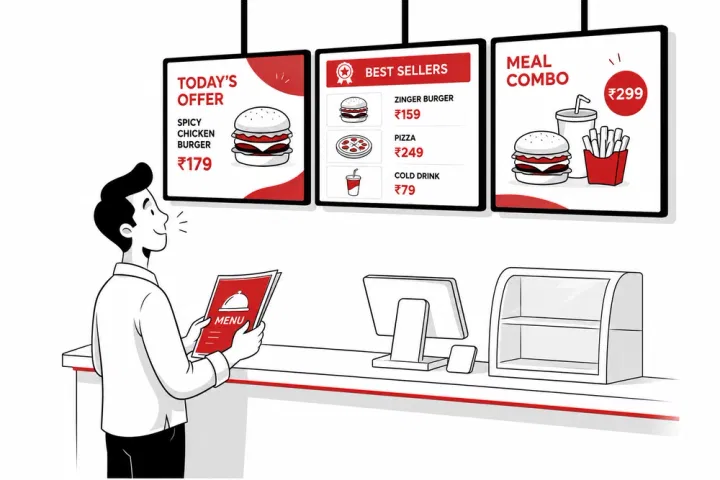
Restaurant dishes, combos and offers playing on a Petpooja digital menu board
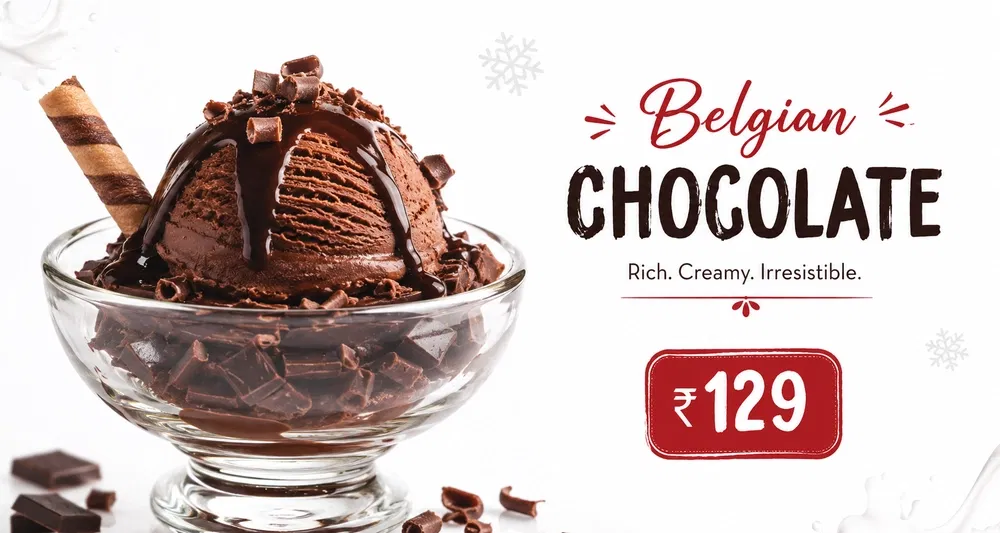
A bestseller dish shown full-screen on a Petpooja digital menu board
A combo offer playing on a Petpooja digital menu board
Desserts and beverages featured on a Petpooja digital menu board
Today's special highlighted on a Petpooja digital menu board
Why it matters

Sell more without saying a word

Your screen does the upselling quietly, on every table, every visit.

01

Customers Decide Faster

Photos cut decision time. Your line moves quicker, your tables turn faster.

02

Higher Bill Per Table

Auto-rotating visuals of desserts, cold coffees, and add-ons put high-margin items in front of every guest.

03

Zero Reprinting Cost

Prices changed? Item sold out? New combo? Update from your phone. No printer, no paper, no waste.

04

Premium Restaurant Feel

The same digital signage you see at McDonald's, Starbucks, and Haldiram's — running on a TV you already own.

What makes it work

Four things a paper menu can never do

Everything on the screen is managed from the Petpooja you already use.
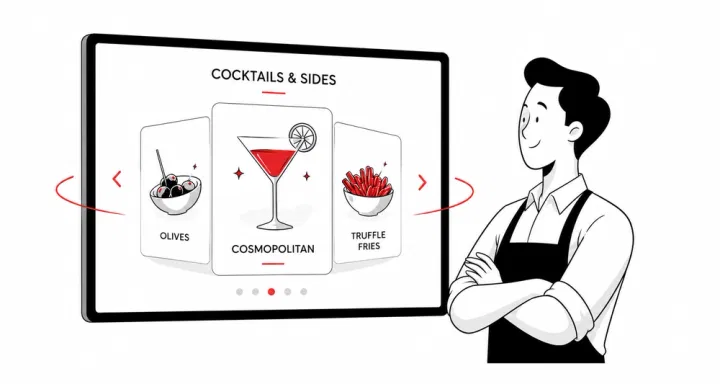
Rotating dessert and add-on promotions playing on a restaurant TV

Sell the last-minute add-on

Desserts, mocktails, and sides keep rotating, right when guests are thinking "kuch aur le lein?"

  • High-margin items stay on screen all day
  • Rotates automatically, with zero staff effort

Make offers look exciting

Combos, festive discounts, and loyalty rewards shown as eye-catching graphics.
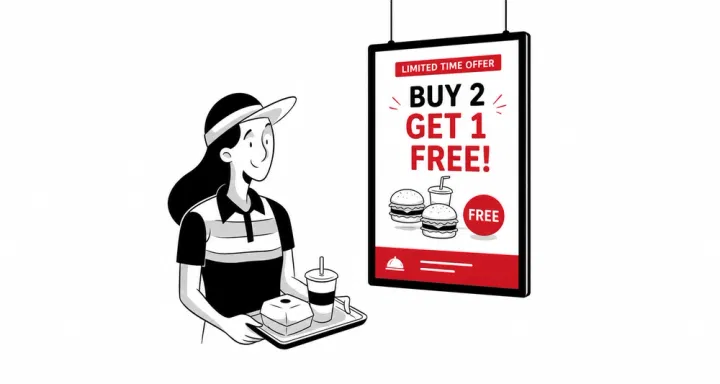
  • Buy 2 Get 1 Free as a graphic, not a line of text
  • Offers guests actually notice while they wait
A combo and festive offer shown as a graphic on a restaurant digital display
Pushing today's special to every screen in one tap from the Petpooja app

Push today's special in one tap

"Aaj ka khaas" or a festive dish, live on every screen instantly.

  • Update from your phone in seconds
  • Every screen syncs at once

Show a full menu that moves

Big, clear photos. Short video loops. Sharp pricing.
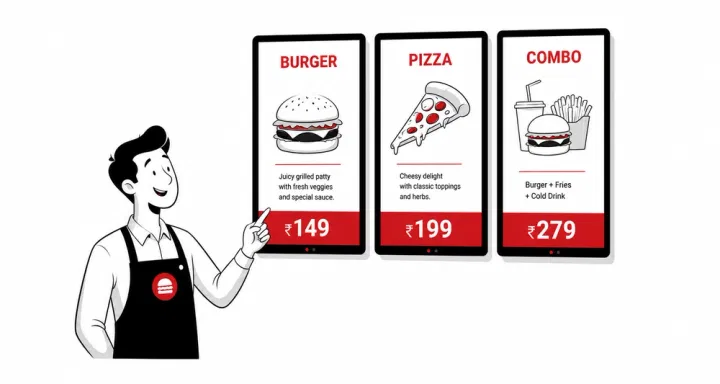
  • Full-quality images and video loops
  • Categories rotate so nothing gets missed
A full restaurant menu with photos and live pricing playing on a TV
And the rest is built in

Everything you need, already inside

The everyday details that make the display effortless to run.
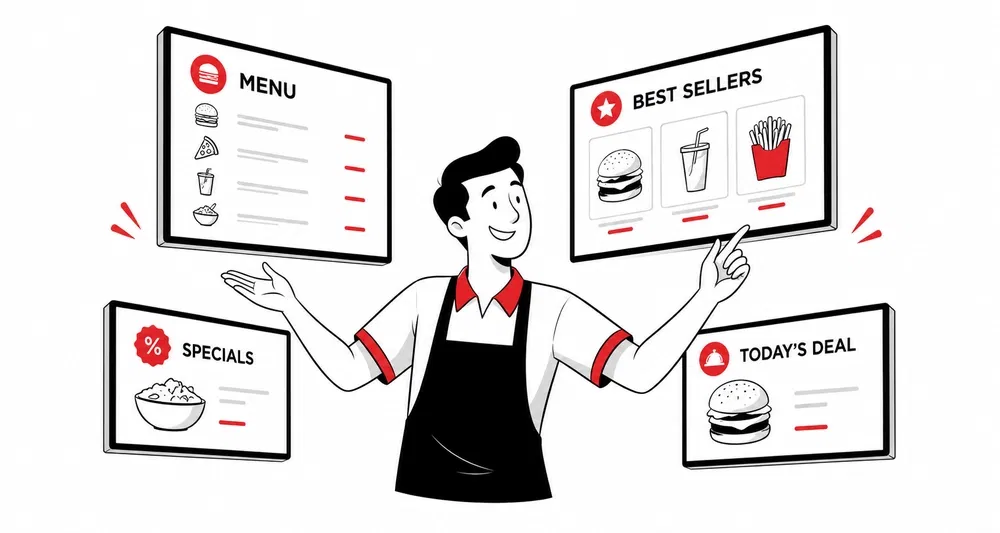
Several restaurant TVs each running a different menu playlist

Many TVs, different playlists

Connect as many screens as you want, each with its own name, playlist, and timing. Full menu at the entrance, desserts near the dining area, offers at the billing counter.

Plug and play

Install the app. Scan a QR from your Petpooja Merchant app. Done.

Works on any Android TV

Android TV 7.1.1 or higher with the Play Store. 32 inches or bigger works best.

Crisp photos, smooth videos

Upload full-quality images and short video loops.

Wi-Fi or LAN, your choice

Runs on your existing internet. No new router. No new wiring.

Already inside Petpooja

No new login. No new vendor. No new dashboard to learn. If your team can use WhatsApp, they can run this.
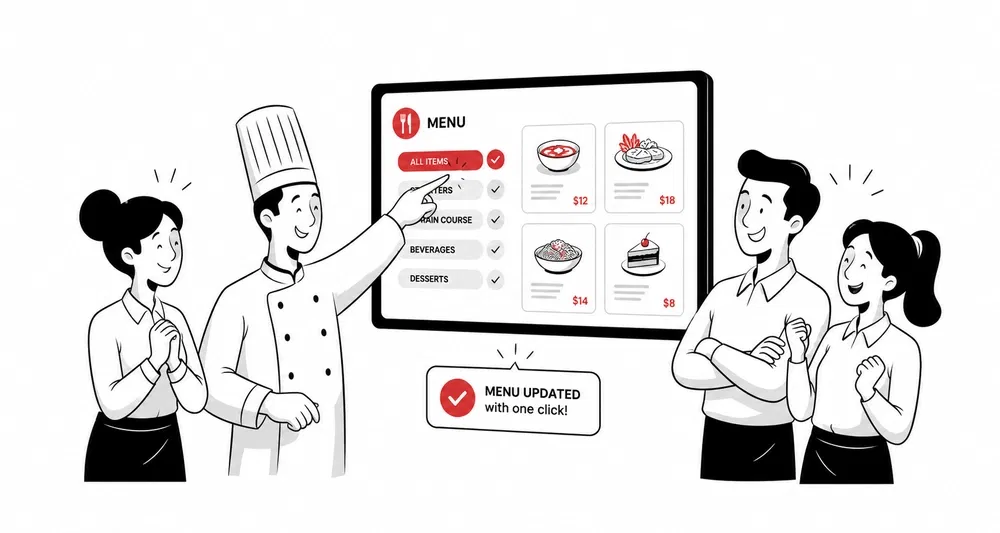
Digital Display System managed from inside the Petpooja POS dashboard

Grow Your Restaurant

What is a digital menu display, guide for Indian restaurants and QSRs, blog feature image

What Is a Digital Menu Display? Guide for Indian Restaurants and QSRs

What a digital menu display is, how it works, and why Indian restaurants and QSRs are moving from paper menus to screens.

Read more
Manage digital menu boards across multiple restaurant locations, blog feature image

Manage Digital Menu Boards Across Multiple Locations

Keep menus, prices, and offers consistent across every outlet, and update all your screens from one place.

Read more
Digital menu board versus printed menu cost and ROI comparison, blog feature image

Digital Menu Board vs Printed Menu: Cost and ROI

A clear cost and ROI comparison of digital menu boards versus printed menus, and when each one pays off.

Read more
FAQs

Questions owners usually ask

Will my staff need training to manage this?

No, it's extremely easy to use. Just upload images of your food and let the displays do its magic. Nothing complicated here.

Can I show different content on different TVs in the same restaurant?

Yes. Each TV gets its own name and its own playlist. Show the full menu at the entrance, only desserts and beverages near the dining area, and offers near the billing counter.

What happens if my internet goes down?

Your screen keeps playing the last synced content without interruption. Updates resume the moment your connection returns. Guests never see a blank TV.

Schedule a free demo

Get in touch with our team to clarify your queries

Illustration of customer support agent assisting restaurant owner with calls, messages, and scheduling in restaurant management software