Get Work Done
On Time. Every Time.
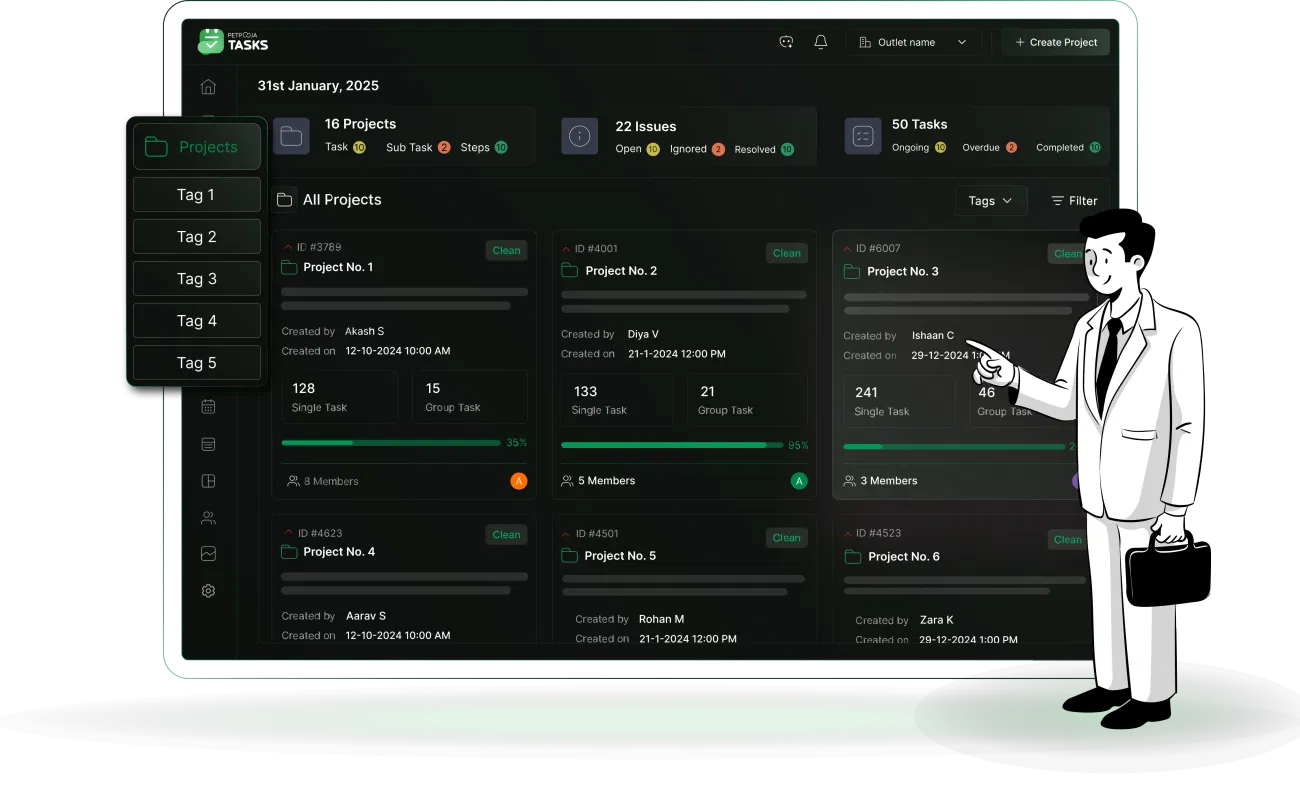
Manage all your tasks and projects from one screen. Send automatic reminders,
schedule tasks, assign routine work, use AI for quick reviews,
and track progress in real time.
Spend less time managing, and more time growing
Powering Daily
Productivity
Supported Languages
Tasks Created
Daily
Ready to Use
Templates
Everything You Need For
Clarity, Control, & Collaboration
Manage complicated
projects easily
Manage projects and tasks easily from one place. Identify delays, view workloads, and see where your attention is needed- everything from one screen. Keep everyone aligned.
Start new projects in
minutes
Use pre-built templates to skip repetitive project assignments. Choose from 150+ ready-to-use templates to instantly launch projects and start executing.
Send automatic
reminders to teams
Never ask for follow-ups again. Automatically send reminders for new tasks, delays, and completions via WhatsApp and in-app notifications, so deadlines are never missed.
Easily assign location
based tasks
Assign tasks to field teams for specific locations using smart geofencing. Ensure every task is completed at the right place and the right time. Control where teams can log in from.
Work easily with
cross teams
Create dependent and group tasks with cross teams easily. Add multiple members in a task. Let everyone know who's waiting on what. Seamless coordination.
Let AI check the work
for you
Skip spending hours on manual proof checks. Upload an image and let AI instantly verify the task. It flags errors and automatically confirms when a task is completed.
How We Make Your Life Easy
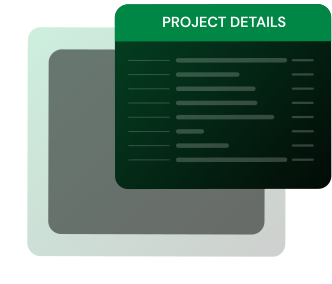
Provide clear project briefs
Attach files, SOPs, and visuals right when assigning — so
your team always knows exactly what’s needed.

Centralise project & task management
Manage everything from one centralised dashboard - schedule tasks, assign owners, automate repeated tasks and track progress easily.
Work in your preferred language
Assign work in the language your team understands. Select from seven languages, which include Hindi, English, Malayalam, Telugu, Tamil, and Gujarati.


Use Geofencing
& Geotagging
Create virtual boundaries around real-world
locations to
ensure tasks are completed in the right
place and at the
right time.
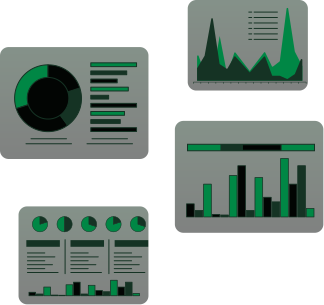
Get Customised Summary Reports
Access multiple reports on key metrics, including month-on-month reviews, user-wise reports, employee- and task-wise reports, individual and group task reports, and more.
Access Projects From
Anywhere
Built for Every Team
Every Industry

Hospitality

Education

Health Care

Logistics

Manufacturing

Retail Store

Construction

Finance

Events

Corporates
Why Teams
Choose Us

24×7
Support

AI-based task
verification

One plan with
unlimited users
FAQs
How can Petpooja Tasks help me, and who can use it?

We provide a comprehensive task management system to help you plan, execute, and monitor progress within your project, ensuring deadlines are met. It is a scalable project management software designed to meet the needs of teams of all sizes. Whether you're a startup or a large corporation, our platform adapts to your workflow.
What makes Petpooja Tasks the best task management tool available?
We offer a user-friendly interface, powerful features such as AI auto-review, comprehensive reporting, and robust collaboration capabilities, making us one of the best task management tools.
Can we schedule a task in advance?
Yes, you can schedule the tasks in advance, along with the proper SOPs and verification layer. You will also be notified of those tasks when they are due.
Can I attach images, SOPs, or PDFs with tasks and add steps?
Yes, you can add multiple formats of Images, videos, SOPs, PDFs, and more in the task description to help the person understand the task better. You can also, apart from sub-tasks, add multiple steps in a task.
Can I manage multiple teams and branches in a single dashboard? Are there any extra charges for it?
Yes, you can easily manage multiple teams and branches from a single dashboard. And no, there are not any additional charges. You can add unlimited team members.